Desk placement works best when it supports concentration, communication, and healthy movement. The practical goal is a workstation with a usable doorway sightline, comfortable light, enough clearance, and equipment that can be adjusted to the person doing the work.
Quick answer
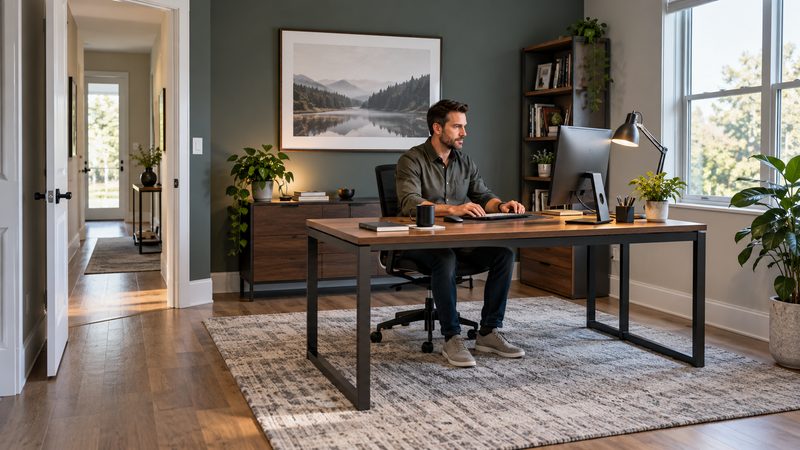
Place the desk where the user can notice the entrance without sitting directly in the circulation path. Keep a stable background behind the chair when possible, control screen glare, and maintain safe clearance for the chair, storage, cables, and door.
Map the room before moving furniture
Mark the door swing, walking routes, outlets, heating vents, windows, and storage access. A desk that looks balanced in a photograph may fail if drawers cannot open, calls disturb others, or a cable crosses the floor. In a shared office, include routes to printers, meeting areas, and emergency exits.
A diagonal view of the doorway can reduce surprise without placing the user directly in line with every person passing by. If the room permits only one position, a side mirror or a notification system may improve awareness without changing the entire layout.
Control light, sound, and screen glare
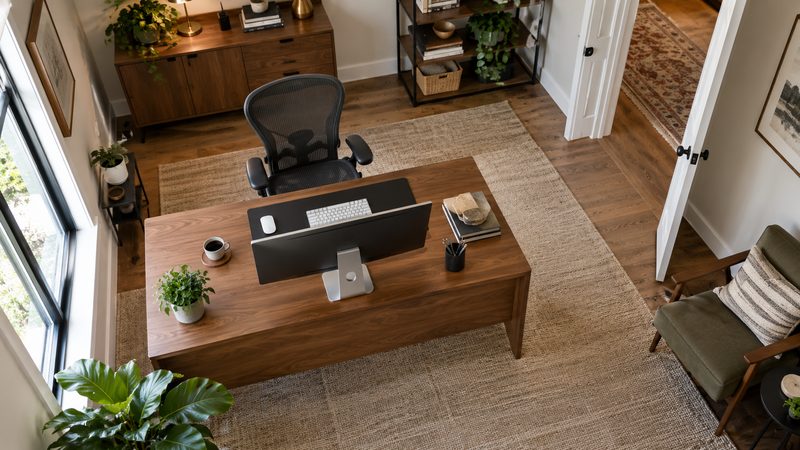
Daylight is helpful when it comes from the side rather than directly behind or in front of the monitor. Use blinds when brightness changes through the day and add a task light for paper work. Reflections should be checked while the screen is on, not guessed from an empty room.
Bookcases, curtains, rugs, and acoustic panels can soften sound, but they must not block ventilation or create dust traps. For confidential work, consider what can be seen and heard from the door.
Adjust the workstation to the user
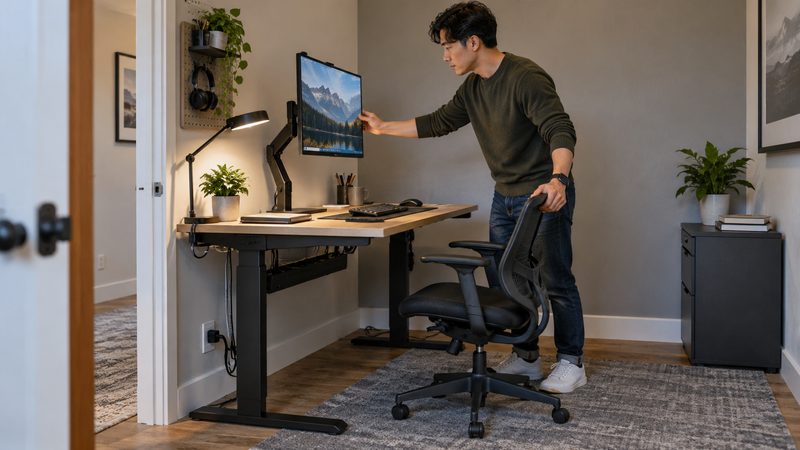
Monitor height, viewing distance, keyboard position, chair support, and opportunities to stand or move matter more than decorative rules. Frequently used items should be within comfortable reach. Route power and data cables so the chair cannot roll over them.
Desk placement checklist
- Door
- Visible without putting the chair in the main walking path.
- Background
- Stable wall or organized storage behind the chair.
- Light
- Side daylight, controlled glare, and useful task lighting.
- Clearance
- Chair, drawers, and doors move without collision.
- Ergonomics
- Equipment adjusts to the user and work performed.
Related reading
See the broader Office Feng Shui guide, continue to Business Feng Shui, or browse Feng Shui Tips.
Desk placement questions
Must a desk face the door?
No. The useful principle is awareness of the entrance without blocking circulation. Room constraints, privacy, glare, and ergonomics also matter.
Is sitting with a window behind me always wrong?
No. It can work if glare, heat, privacy, and screen reflections are controlled and the chair has suitable support.
What if the room is very small?
Protect the door swing and walking path first, then choose compact storage and adjustable equipment rather than forcing an idealized layout.